DMX RDM explained: how to configure it from the console
· Guías técnicas
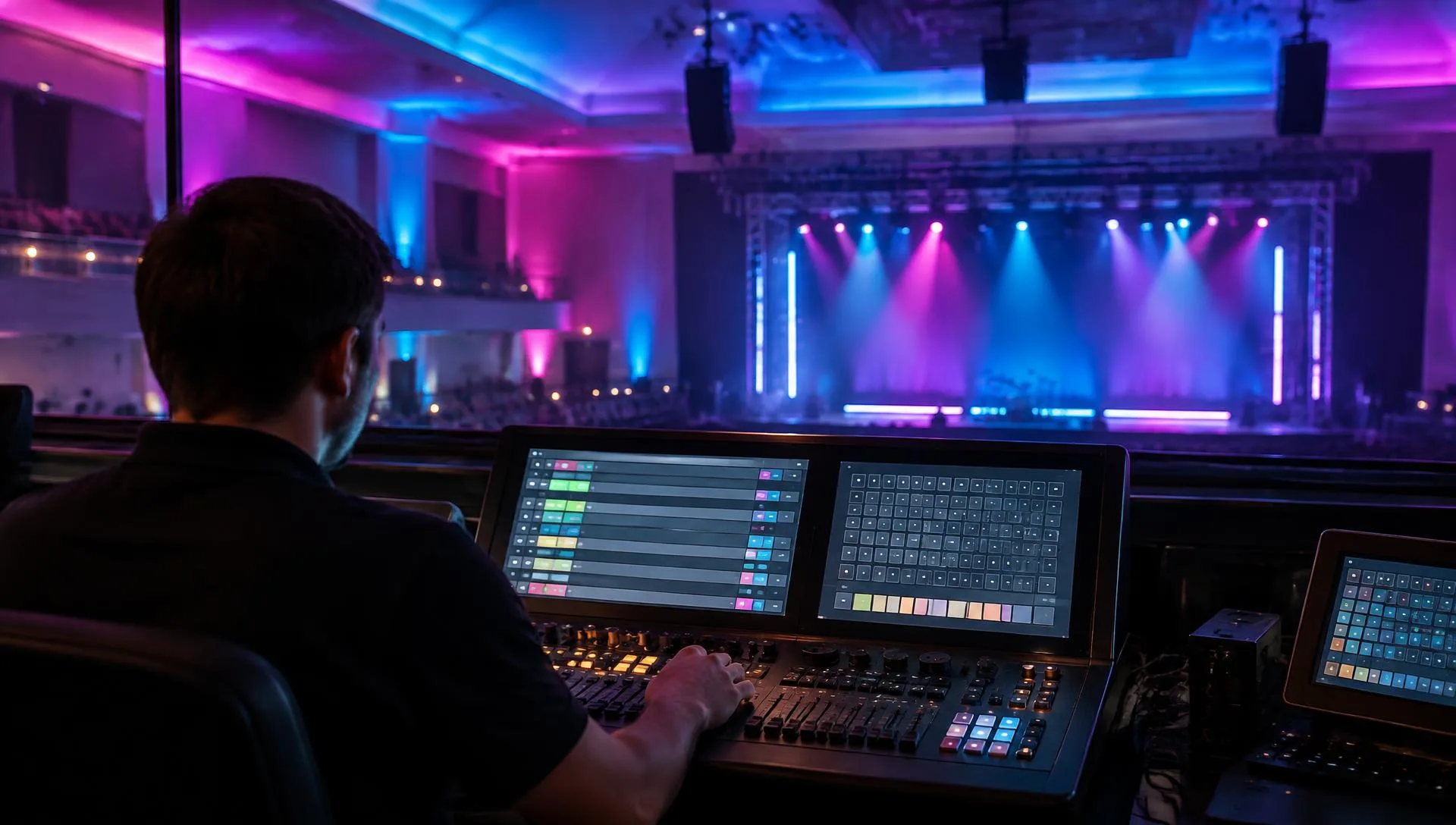
With DMX RDM, changing the address of a decoder hidden in a ceiling void six metres up, or finding which of the forty units on a façade has stopped responding, no longer means scaffolding or ladders: you do it from the console. This guide explains what RDM is, what the installation needs and, above all, how to configure step by step the 1 to 24-channel DMX512 decoders with RDM that drive RGB LED strips, modules and sheets.
In 30 seconds
- RDM = remote management: the console asks and each unit answers over the same DMX cable.
- Set up without touching the unit: address, channel mode and, on constant current, the mA.
- Unique 48-bit UID: every unit is told apart even if two share an address.
- RDM end to end: a non-RDM amplifier blocks the replies.
- Same wiring as DMX: 120 Ω twisted pair, daisy-chained, with a 120 Ω terminator.
DMX RDM (Remote Device Management, ANSI E1.20 standard by ESTA) is an extension of the DMX512 protocol that makes the line bidirectional. Besides sending light levels, the console can discover connected devices, identify them by their UID, read their status and change the DMX address, channel mode or other parameters without physical access. It uses the same cable and connectors as DMX and coexists with units that do not support it. It needs an RDM console, RDM decoders and RDM-capable amplifiers.
What is DMX RDM and what problem does it solve?
In classic DMX512, information flows one way only: the console streams its 512 channels non-stop and the decoders obey, but never answer back. If a unit has the wrong address, a burnt channel or no signal, the console has no idea; the installer finds out by watching the lights and climbing up to check.
RDM adds the return path. Between light frames, the console sends questions addressed to one specific unit, which answers over the same wire pair. That lets you take an inventory of the installation, know what sits behind every ceiling panel and correct the configuration from the control position.
What is the difference between DMX512 and DMX RDM?
RDM does not replace DMX: it extends it. The light signal is the same and the units are wired the same way. What changes is what you can learn and do from the console:
| Aspect | Classic DMX512 | DMX with RDM |
|---|---|---|
| Data direction | Console to units only | Both ways, over the same pair |
| Setting the address | On each unit: DIP, display or buttons | Remotely, from the console |
| Knowing what is connected | Drawings and labels | Automatic discovery: UID, model and channels |
| Finding a unit | Testing channels and looking | Identify function: the unit flashes |
| Diagnostics | Visual, on site | Status and warnings offered by each model |
| Wiring | 120 Ω twisted pair, daisy-chained, terminated | The same, but less forgiving of poor quality |
| Amplifiers | Any DMX splitter | RDM-capable amplifiers only |
How do DMX and RDM share the same cable?
Every packet starts with a start code. Light frames use code 0x00 and RDM packets use 0xCC, so a non-RDM unit simply ignores the questions and keeps receiving its levels. The console slips a few questions between many light frames and leaves the line free for a moment so that only the addressed unit replies. That is why the lighting keeps running while you configure.
What does an installation need to work with RDM?
A single weak link is enough for the console to lose sight of every unit behind it. Check these four points before you start:
- An RDM controller: a console, software with a compatible USB-DMX interface or a handheld tester. Sending DMX does not mean it speaks RDM.
- RDM decoders: every unit you want to configure remotely must support RDM (E1.20 standard).
- Bidirectional amplifiers and splitters: a standard DMX amplifier regenerates the commands but does not let replies back through.
- A healthy line: 120 Ω shielded twisted-pair cable, daisy-chained, no star joints and a 120 Ω resistor on the last unit.
To open branches without losing the return path, the catalogue includes the DA-RDM 2-output DMX512 RDM amplifier, the 4-output DMA-RDM and the 6-output DMA6-RDM: optically isolated outputs that go beyond the 32-receiver and 300 m per segment limit.
What can be adjusted over RDM on each type of unit?
The standard defines which questions exist, but each manufacturer decides which ones to implement. With the units in our catalogue, this is what you can expect:
| Unit type | What RDM configures | Models |
|---|---|---|
| Constant-voltage decoder (12–48 V) | Remote DMX start address, identification and device data. For RGB, RGBW and RGB + CCT LED strips, modules or sheets. | D4-L · D5 · D24B · D4-WPS |
| Constant-current decoder | DMX address and output current in mA from the console, as well as by DIP switches. | D4C-1200 · D1C-E |
| RDM amplifier / splitter | Lets the replies through and allows diagnostics from the console across every branch. | DA-RDM · DMA-RDM · DMA6-RDM |
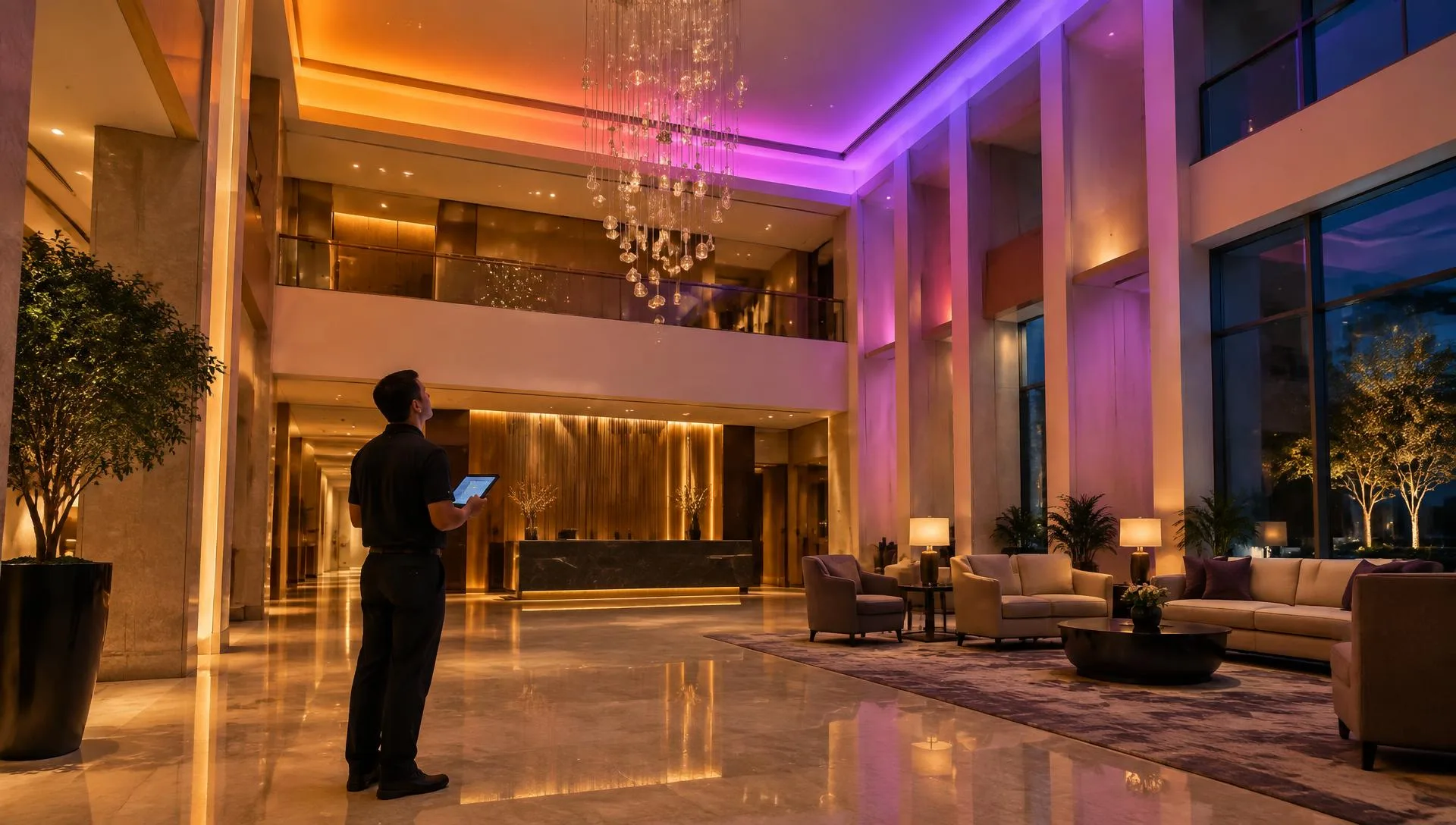
How do you configure a decoder from an RDM console?
Menu names vary from one console to another, but the procedure is always the same. This is the order we follow when commissioning a job:
Step 1. Connect the line and check the termination
Run the console or interface output to the first decoder and carry on in a daisy chain: D+ to D+, D− to D− and GND to GND. Fit the 120 Ω resistor on the last unit of each branch and power the decoders and LEDs from their supplies. RDM is less tolerant than DMX of doubtful cable, star joints and unterminated lines: many discoveries that find nothing are solved right here.
Step 2. Run device discovery
In the console's RDM menu, press Discover, Search or Scan. The console asks about ranges of UIDs and keeps halving them until only one unit answers; it then logs it, mutes it so it stops replying and repeats until nobody else answers. Within seconds you have the list: manufacturer, model, current address and channel count of every decoder.
If a unit is missing from the list, check in this order: non-RDM amplifiers in the path, termination, swapped D+ and D− wires and the decoder's power supply.
Step 3. Identify each unit and give it a name
Select a unit in the list and trigger Identify. The decoder flashes the LEDs connected to it, or its indicator, and you instantly know which run of RGB LED strips, modules or sheets it drives. Take the chance to type a descriptive label such as “North cove” or “Façade level 2”, if the unit and console allow it: it becomes the living drawing of the installation.
Step 4. Set the DMX start address
With the unit selected, type the start address and save. The decoder writes it to its internal memory and keeps it even after a power cut. The rule is the same as with DIP switches: next address = current address + channel count. Many consoles flag units with duplicated or overlapping addresses, which prevents the most common mistake on site.
Recommendation
DMX512 decoders with RDM for your installation
1 to 24 channels, constant voltage and constant current, IP67 versions and RDM amplifiers. We help you plan addresses and branches.
See DMX/RDM decodersStep 5. Adjust the unit's mode and parameters
Depending on the model, the same menu lets you change the mode or “personality” (for example 4-channel RGBW or 3-channel RGB) and other parameters the manufacturer exposes over RDM, such as the dimming curve or PWM frequency. On constant-current decoders such as the 4-channel 350–1200 mA D4C-1200, the output current is also set from the console: check it against the luminaire datasheet before saving.
Step 6. Verify and save the configuration
Run discovery again to confirm every unit answers with its final address, test each group from the console and export or note down the list of UIDs, addresses and labels. When a decoder has to be replaced, the new one appears with its own UID and factory address: discover it, give it the same address and the installation is back as it was.
What mistakes are common when working with RDM?
- A non-RDM amplifier or splitter on the line: the lights work, but the console finds no units behind it. Replace it with a bidirectional model.
- Unterminated line or star joints: reflections corrupt the replies and units appear and disappear from the list.
- Audio or microphone cable: it is not 120 Ω and causes read errors on long runs. Use shielded DMX cable.
- Legacy units that react badly to RDM: some do not filter the start code and flicker with the questions. Move them to their own amplifier output.
- Replacing a unit without rediscovering: the spare arrives with the factory address and overlaps another one. Discover, identify and reassign.
- Wireless DMX with no return path: many radio links only transmit from console to units; for RDM, the wireless system must support it.
What console or software do you need for RDM?
Any controller that complies with ANSI E1.20 can configure the decoders, whoever made it. The usual options are:
- Professional consoles: ChamSys MagicQ, MA Lighting grandMA3 and Avolites include RDM menus to discover, identify and address.
- Computer software: control or RDM configuration programs with a USB-DMX interface that supports RDM. The most affordable option for commissioning.
- Handheld testers: pocket devices that discover and address on site without a console.
A basic console like the AJ6 6-channel DMX512 console is ideal for running small installations, but it only sends DMX: it cannot configure over RDM. The usual approach is to commission the installation with an RDM tool and then leave day-to-day control to whichever console or master the client prefers.
When is RDM worth it over DIP-switch addressing?
On a sign with two or three decoders within reach, addressing with DIP switches or the unit's display is quick; we explain it in the guide how do you wire and address a DMX512 decoder?. RDM pays off when units sit in ceiling voids, on façades or at height, when there are more than ten decoders, when the installation has a maintenance contract or when its configuration changes often. Since most decoders in the catalogue already include RDM, choosing it does not add cost, whether you light with strips, RGB LED modules or RGB LED sheets.
Next step
Ready to take it to your project?
Our technical team helps you size the installation, choose the right power supply and quote the material in less than 24 h.
Frequently asked questions
Do I need special cable for DMX RDM?
No. RDM runs on the same cable as DMX512: 120 Ω shielded twisted pair, with XLR, RJ45 or screw terminals depending on the unit. What changes is how forgiving the line is: because the devices also transmit, a line without a 120 Ω terminator, with star joints or wired in audio cable causes far more trouble than in classic DMX.
Can I mix RDM and non-RDM decoders on the same line?
Yes. RDM packets carry a different start code (0xCC) and non-RDM units ignore them, so they keep receiving their light levels. Only the odd legacy unit that does not filter that code may flicker; if that happens, move it to its own output on an RDM-capable amplifier.
Is the DMX address lost after a power cut?
No. When you change the address or the mode over RDM, the decoder stores it in its non-volatile memory and keeps it after the power goes off. It only changes if someone edits it again over RDM, with the DIP switches or on the unit's display, depending on the model.
Does RDM work over wireless DMX?
Only if the wireless system supports RDM, because the device's reply has to travel back to the console. Many basic radio links transmit in one direction only: the lights work, but discovery finds no devices. Check the transmitter and receiver datasheets before you plan the job.
How many RDM devices can I connect on one line?
The same as with DMX512: up to 32 unit loads per segment and roughly 300 m of cable. For more devices or longer runs, insert an RDM-capable amplifier such as the DA-RDM or DMA-RDM, which creates new segments without blocking the replies. The universe still holds 512 channels.
What is the UID of an RDM device?
It is a unique 48-bit identifier written at the factory: 16 bits identify the manufacturer, using a code assigned by ESTA, and 32 bits identify the individual unit. Thanks to the UID, the console can tell every decoder apart even when two share the same DMX address, and talk to each one separately.